
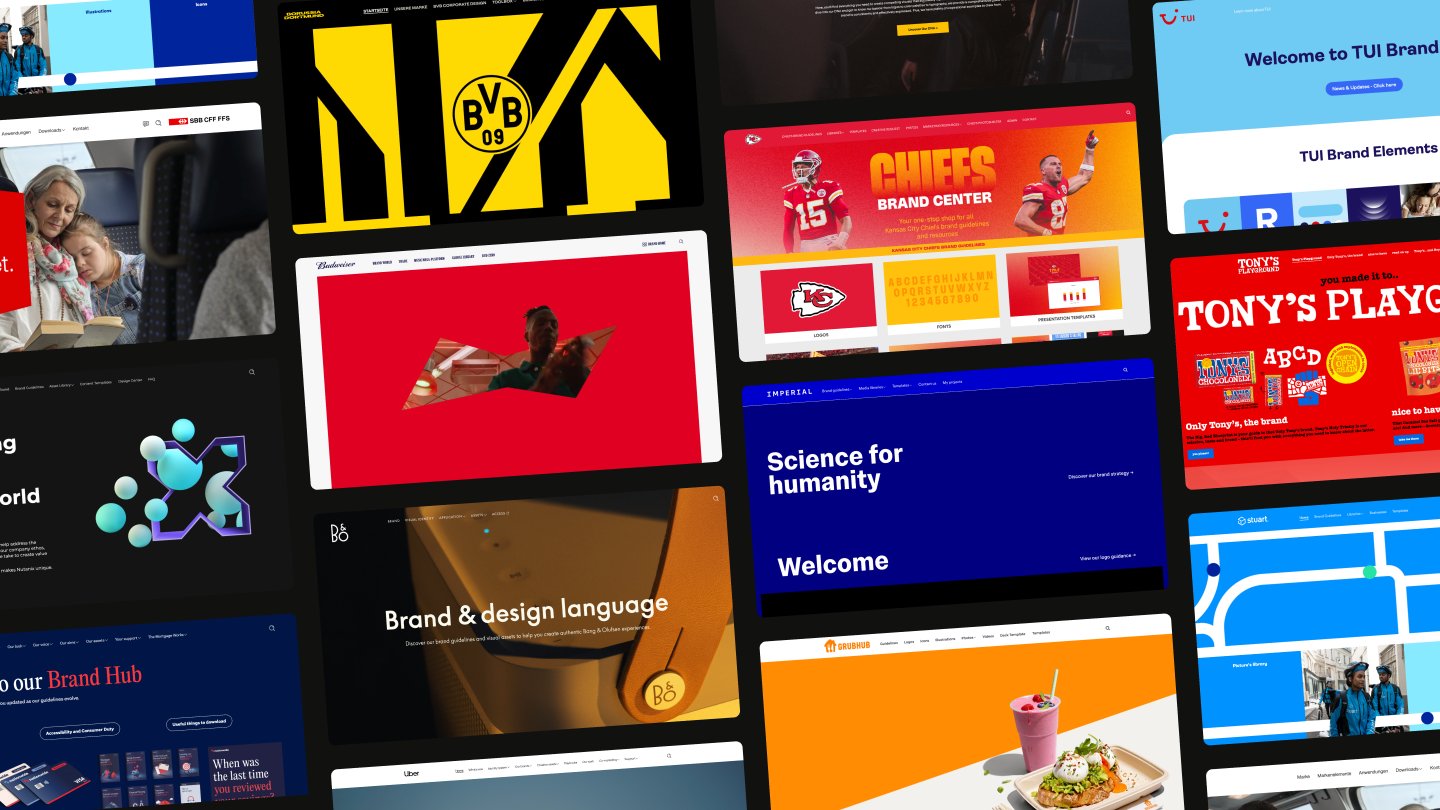

Make smarter brand decisions
Knowledge about your brand system

browsing analytics ...

narrowing down the data ...

pulling folder structure ...

spotting patterns & trends ...
pulling folder structure ...
Track how users interact
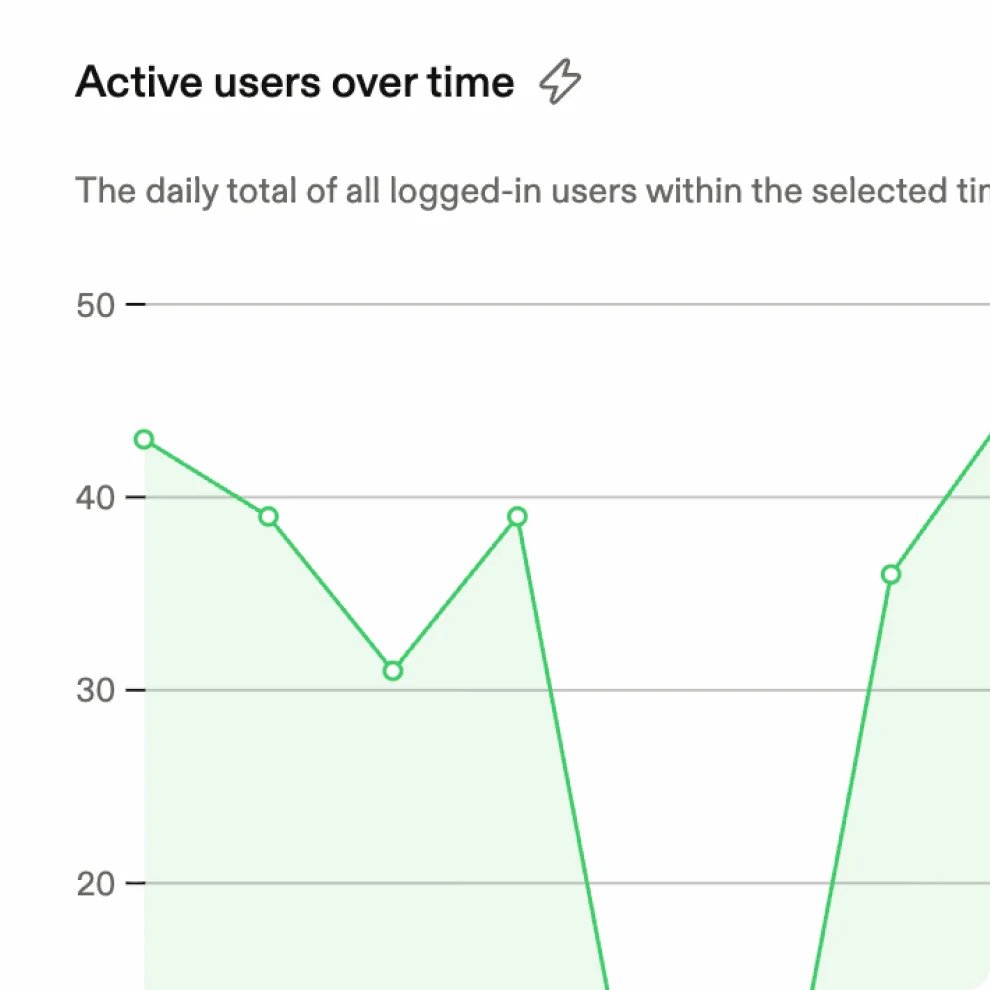
See how people engage with your guidelines, assets, and brand content in one dashboard, and track how adoption and usage evolve.
Put your best assets to work
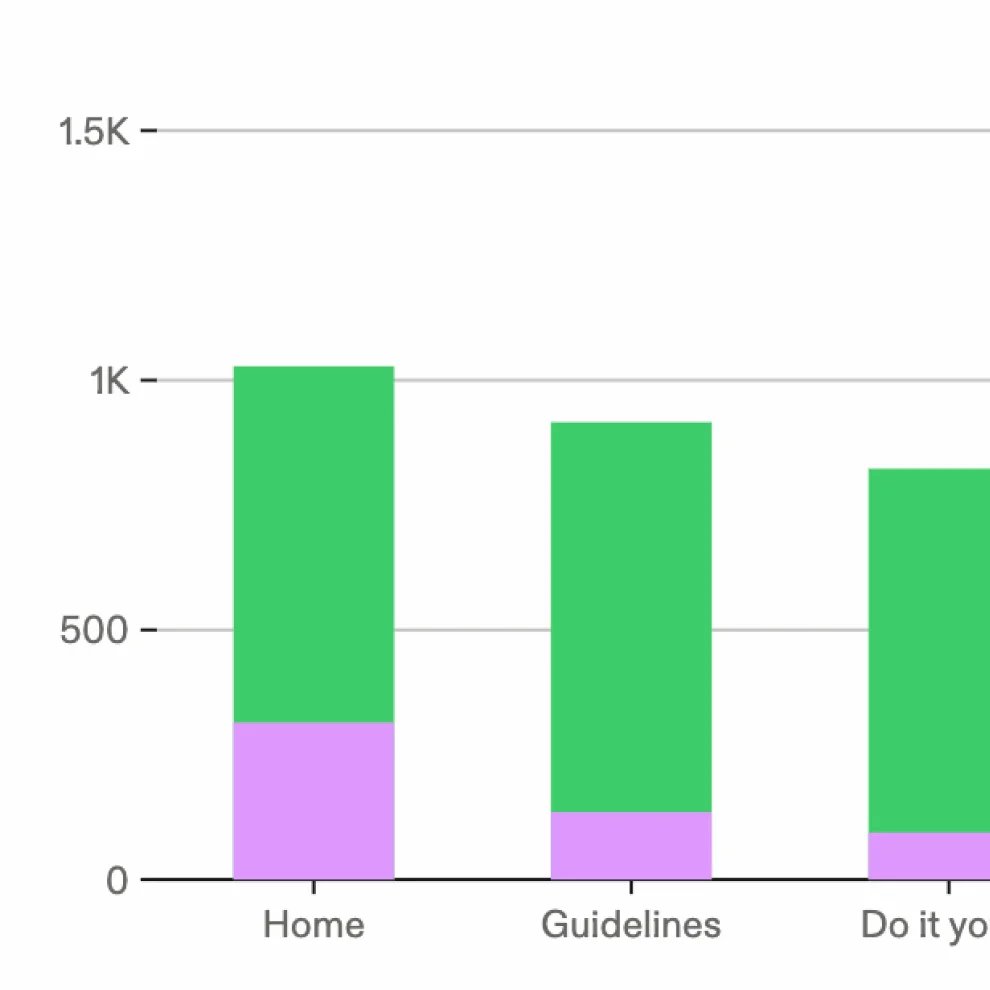
Find out which pages, assets, and content drive engagement, then double down on what works and fix what doesn't.
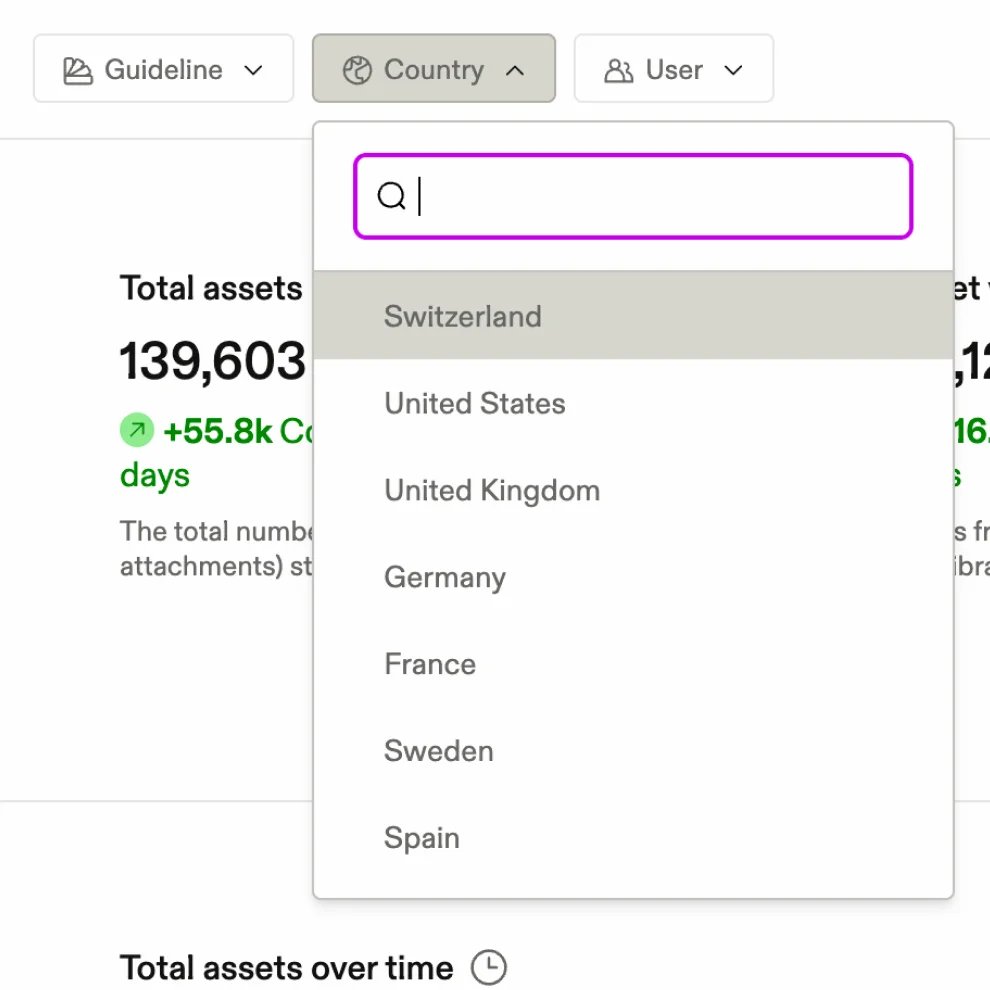
Compare usage across markets
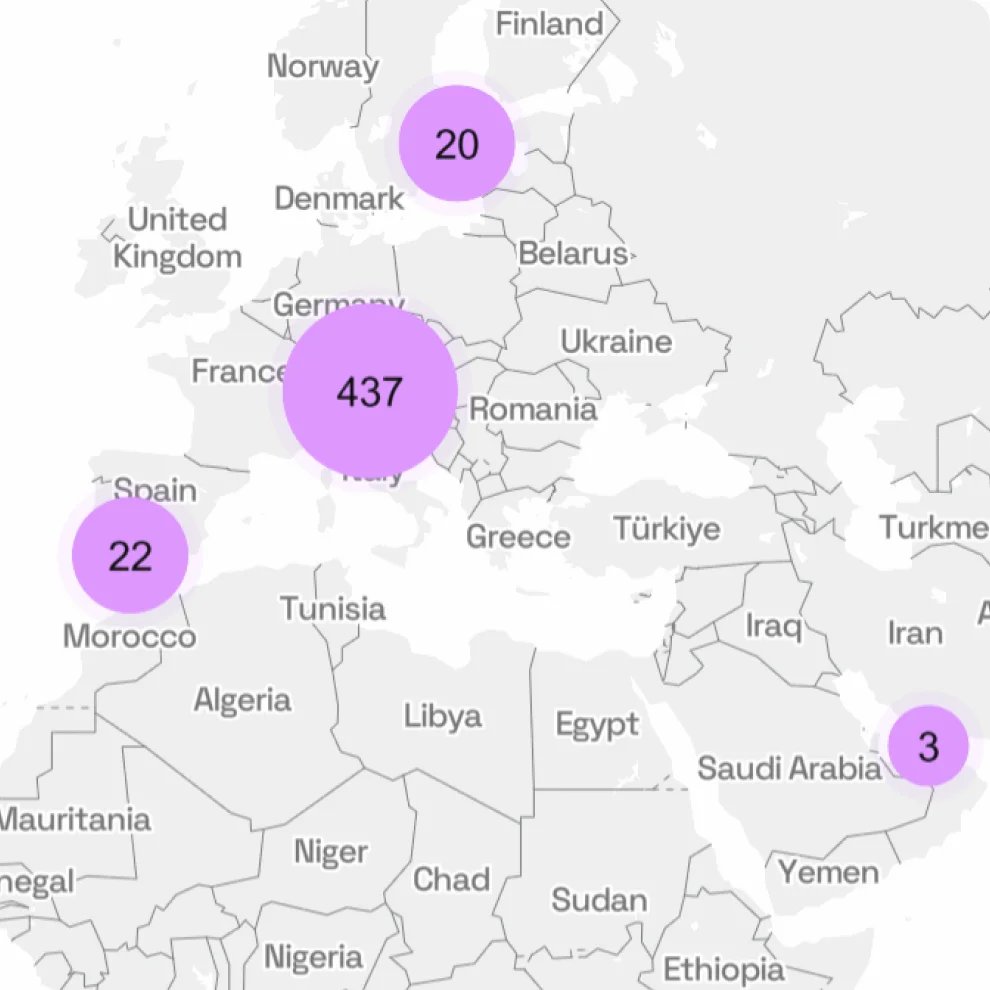
Analyze activity by user groups, regions, and countries to understand how teams adapt and localize your brand.
Turn insights into action
Use data to find opportunities, address gaps, and make decisions that improve brand adoption and consistency.
Built for ease of use
Frequently asked questions
What can I track with Frontify analytics?
Accordion header
Frontify analytics shows how people use your brand across the platform. You can track active users, guideline page views and visitors, asset views and downloads, template usage, and what people search for. It all sits in one dashboard, with filters for brand, team, country and date range.
Which brand assets get used the most, and where?
Accordion header
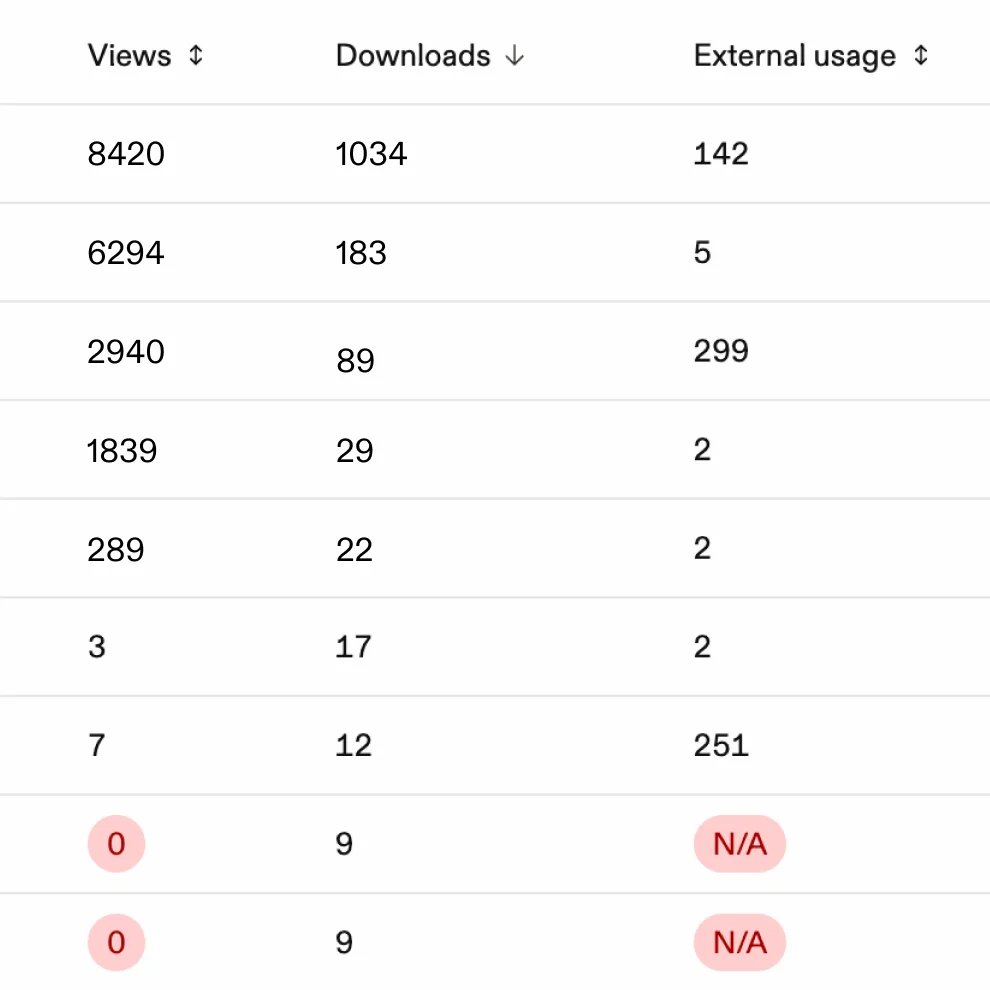
Asset analytics shows views and downloads for every asset, broken down by where they happened: a library, a project or a specific guideline page. It also shows share link activity, how often an asset appears in guideline search, and requests from outside Frontify, such as your website or integrations like a CMS or design tool. Use it to promote the assets that work and retire the ones nobody touches.
How do I know if people actually read our brand guidelines?
Accordion header
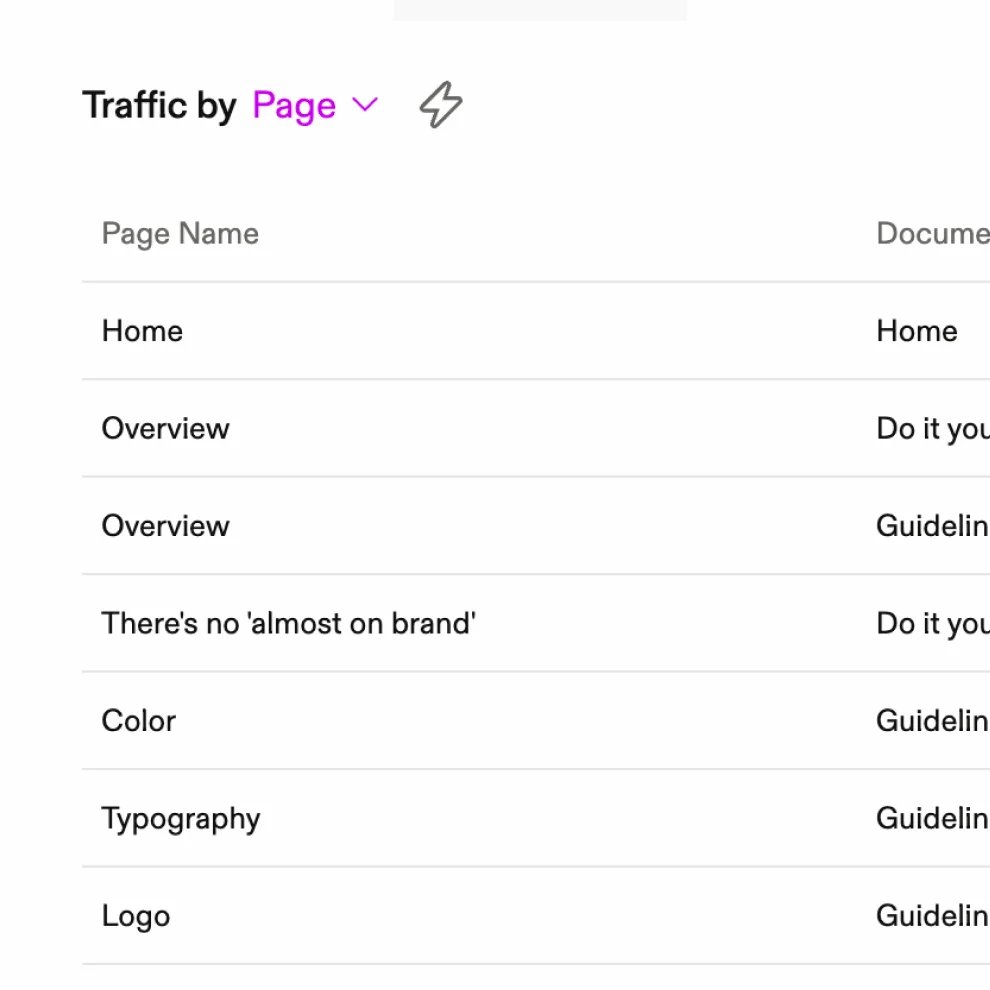
Guideline analytics shows page views, unique visitors, and logged-in versus anonymous visits for every page and document. You can also see how often attachments are downloaded. Pages nobody visits are a signal to restructure, rewrite or remove them.
What are people searching for in our brand portal?
Accordion header
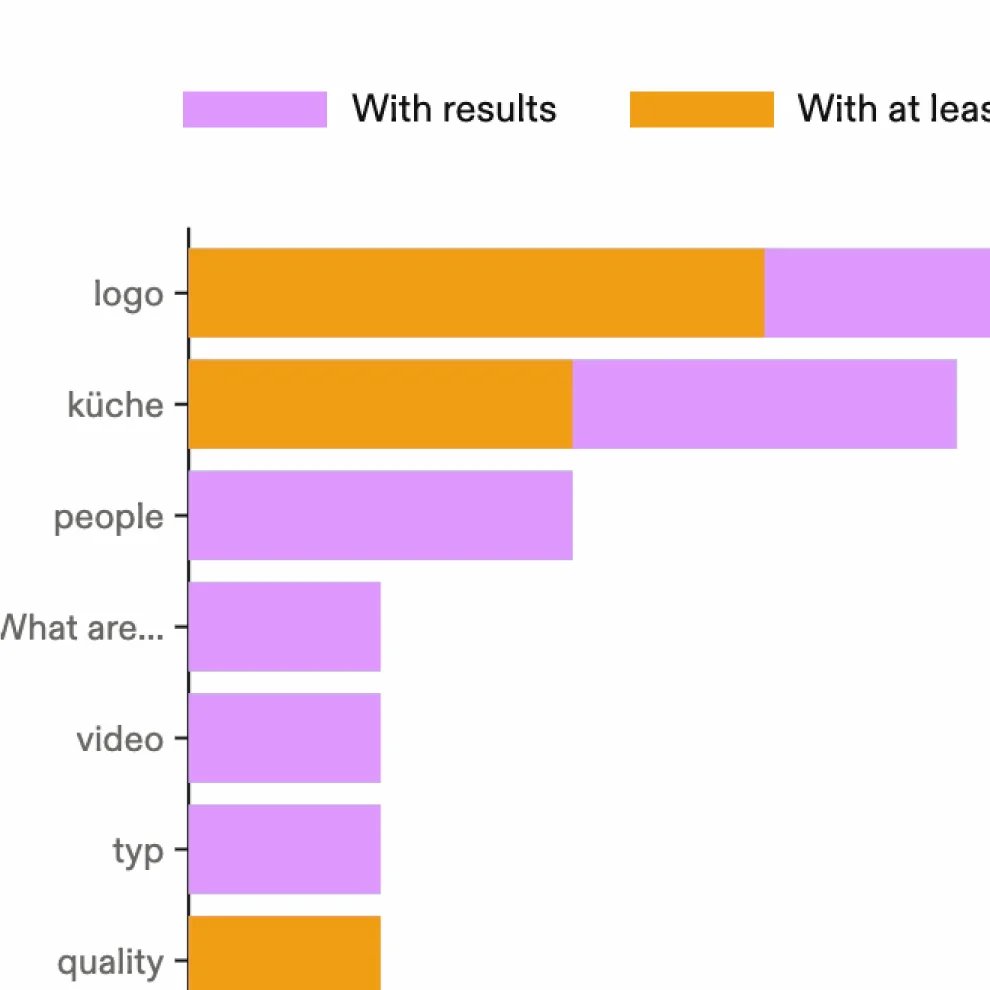
Search insights show total searches, searches that return no results and, for guidelines, how often people click a result. Searches with no results are the most useful signal. They show exactly which assets, metadata or guidance people expect to find and can't.
Can I measure template adoption?
Accordion header
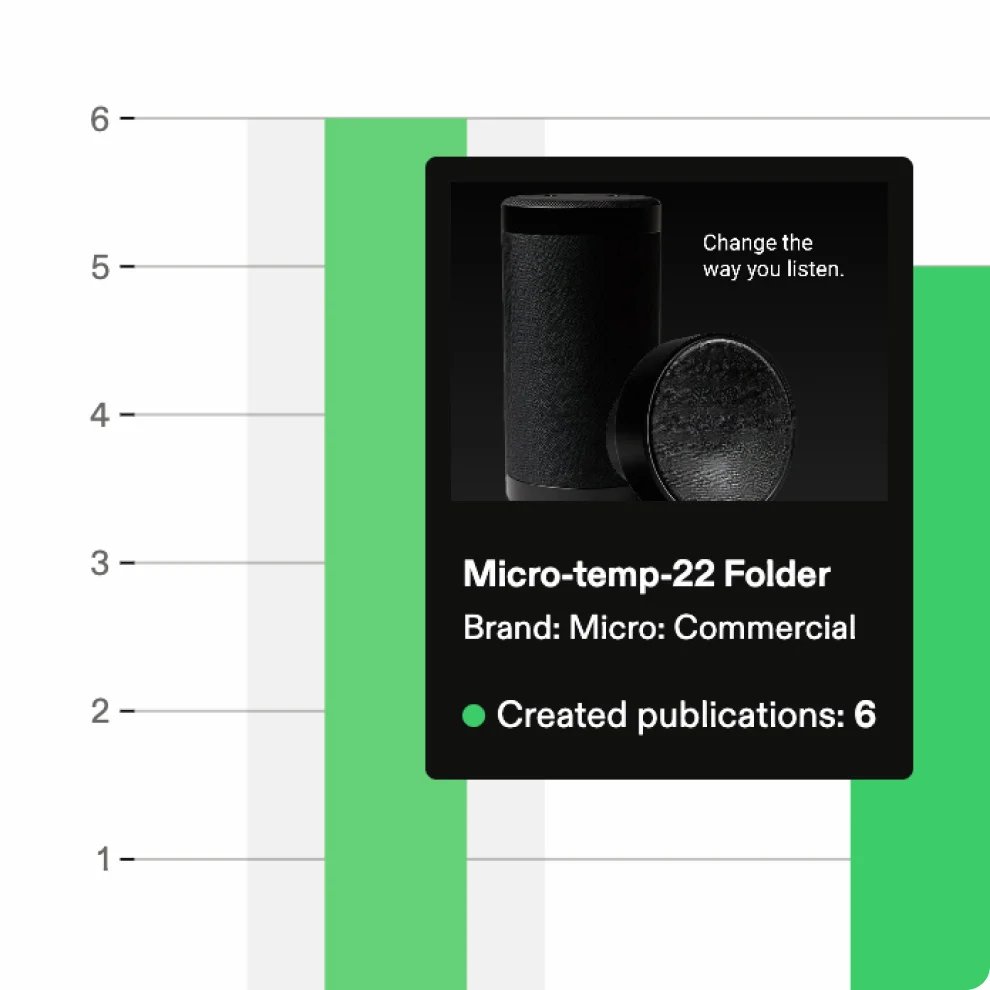
Yes. Template analytics compares used templates with published ones and shows how many publications each template produces over time. You can rank your top and bottom 10 templates and filter by library, country or user to see where self-service content creation is working.
Can I compare usage across brands, regions and teams?
Accordion header
Yes. You can filter analytics by brand, user group, email domain, country and date range. That lets you benchmark brands against each other, track how a market adopts a rollout, or separate agency activity from internal teams. Country data is estimated from IP address, so VPNs and proxies can affect it.
Can I export analytics data?
Accordion header
Yes. Chart data can be exported as CSV from across the analytics dashboard, so you can bring brand usage into your own reporting or BI tools.
Who can access analytics?
Accordion header
The analytics dashboard is part of Frontify's Enterprise plan. Admins have access by default and can grant it to individual users or user groups. Editors can also see analytics for the individual assets they manage.