

Your team didn't switch to Bynder because they wanted a better file server. They switched because they needed brand consistency at scale. That same gap, the distance between storing assets and actually governing a brand, is now driving the search for alternatives.
Here's what actually matters when you're comparing them: Does the platform stop at asset storage, or does it extend into brand governance? Assets, guidelines, templates, and the people who use them, all in one place.
The five alternatives below are measured against the criteria that separate a real alternative from another asset library: brand governance scope, implementation speed, AI capabilities that go beyond auto-tagging, and whether non-admins across your organisation will actually adopt it.
TL;DR
- Choose Frontify if you need an enterprise DAM unified with guidelines, templates, and a brand portal in one platform.
- Choose Aprimo if compliance-heavy campaign planning, complex multi-stakeholder approval workflows are your primary requirements.
- Choose Acquia DAM if you're already invested in Acquia's digital experience platform and need a DAM tied to personalised web content delivery.
- Choose Canto if you're a smaller organisation, museum, non-profit, or archival-heavy team prioritising image discovery over brand governance.
- Choose MediaValet if highly detailed media management, video-heavy libraries, or specialised digital rights workflows are your primary requirements.
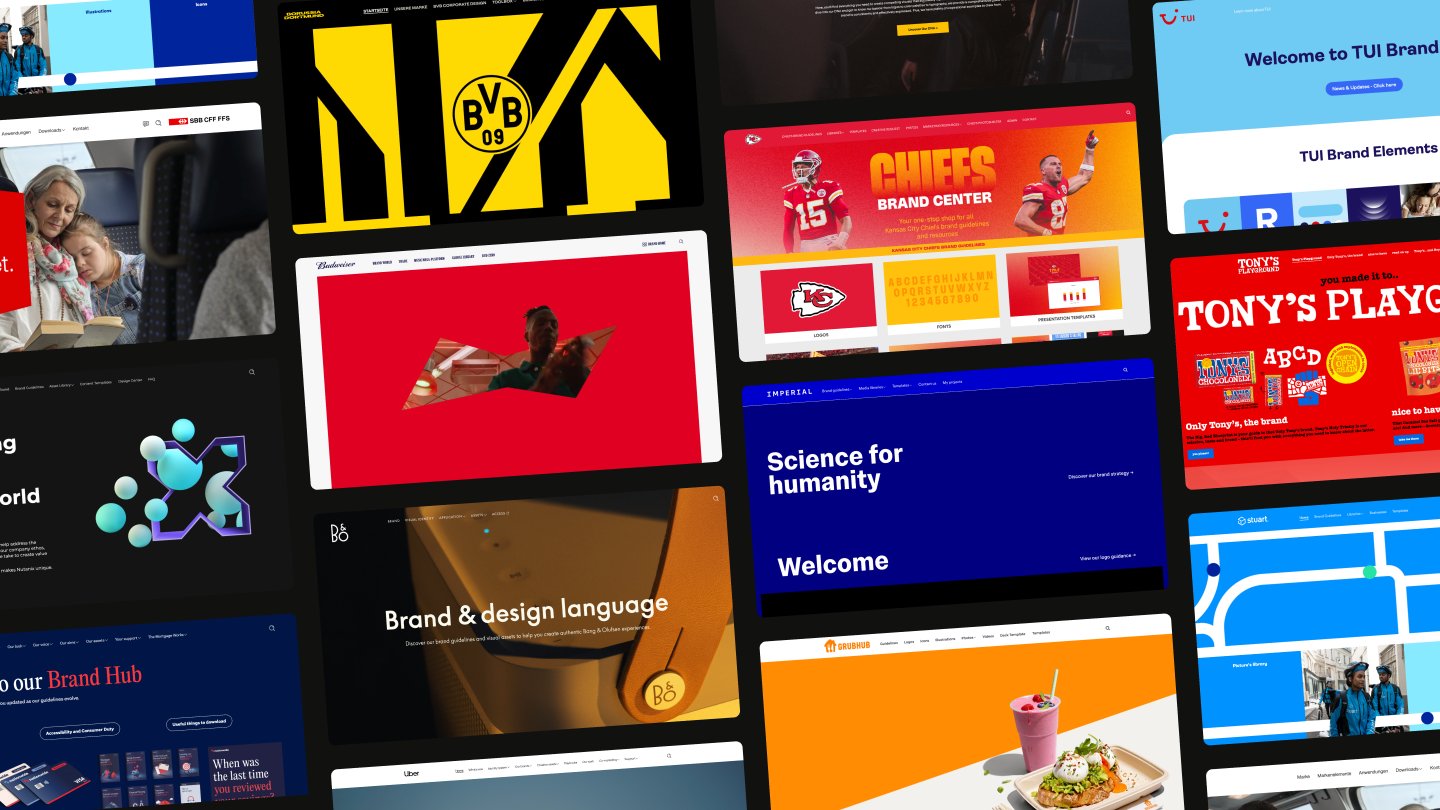
Most Bynder alternatives solve the same narrow problem Bynder solves: storing and organising assets. Frontify expands the frame. It's the only platform that natively combines DAM, interactive brand guidelines, locked templates, and a front-end brand portal, with AI-powered brand guidance through Brand Assistant.
Spring Health saved 16+ hours per template created. Bosch runs 15,000+ monthly active users across brands from a single instance. If the goal is brand consistency at scale with a system non-designers will actually use, Frontify closes the gap the others leave open.
What makes the best Bynder alternatives?
The gap between a good DAM and a genuine Bynder alternative comes down to one question: does the platform stop at asset storage, or does it extend into brand governance?
Four things separate a real alternative from another asset library:
- Brand governance scope. Does it include guidelines, templates, and portals natively, or just assets?
- Implementation speed. Weeks versus months matters when you're mid-rebrand.
- AI capabilities. Auto-tagging is table stakes. Can the AI actually answer brand questions?
- Adoption. Will non-admins across your organisation actually use it?
We reviewed each platform by analysing official product documentation, published integration lists, and customer-facing feature pages. For competitor tools, we compared G2 reviews to identify recurring strengths and limitations, cross-referencing claims against what each vendor's website confirms.
For Frontify, our evaluation draws on direct product capabilities across brand guidelines, DAM, templates, and Brand Assistant, measured against the same criteria applied to every tool in this guide. Customer outcomes from Spring Health, Caribou Coffee, and Bosch are sourced from our published customer studies.
Where competitor timelines or metrics weren't publicly available, we noted the absence rather than estimating.
Best for a unified DAM with with AI-powered brand guidance
Frontify
Frontify is a brand-building platform that brings digital asset management, interactive brand guidelines, templates, and a front-end brand portal into a single unified system. Where most tools in this comparison start as asset libraries and layer governance on through integrations, Frontify was built to connect how brands are stored, documented, and used. Organisations like Mercedes-Benz, Uber, KIA, Vodafone, and Bosch run their brand operations on it.
Frontify's AI capabilities go well beyond auto-tagging. Brand Assistant answers brand questions in natural language, drawing directly from your organisation's own guidelines and DAM to surface sourced answers with links back to the exact section where the answer lives. A regional marketer in São Paulo asks "What's our approved tone for social media?" and gets a sourced answer in Portuguese, without filing a request to the brand team. Multilingual translation covers 100+ languages.
AI-powered metadata tagging means assets receive tags automatically on upload, and Frontiy's Automations let you select your preferred AI model to generate metadata at scale across large libraries. The Creative API enables bulk, automated content generation across languages and markets, connecting to external data sources for high-volume outputs like business cards, localised flyers, and regional campaign materials.
Brand Assistant is already accessible through the Frontify integration with Microsoft Copilot, so teams can access brand intelligence directly within the tools they already work in. An MCP server is also on the way, which will let teams connect their brand intelligence to even more workflows and tools.
Who should use Frontify?
Frontify fits organisations that have outgrown asset storage and need a connected system for brand governance. The typical buyer manages multiple brands or regions, supports cross-functional stakeholders (sales teams, marketing teams, and external partners), and needs non-designers to create on-brand content independently.
That profile maps directly to what Caribou Coffee faced. The company was managing assets across fragmented tools: Webdam, shared spaces, and PDFs that caused confusion and incorrect asset usage. After moving to Frontify, Caribou Coffee saves 5 to 10 hours per week on the brand team, while cross-functional teams save 5+ additional hours of search time weekly. As Courtney Gifford, Digital Engagement and Loyalty Marketing Manager, put it: "It's crucial that our guidelines are self-service to maintain brand consistency and business efficiency as we continue to scale."
For enterprise-scale validation, look at Bosch. The company runs 15,000+ monthly active users across subsidiaries and brands from a single Frontify instance, with 8 million+ asset downloads in 12 months. That level of adoption across a complex, multi-brand organisation confirms the platform performs at the scale teams moving from Bynder typically need.
Where Frontify excels
- Brand Assistant (AI): Answers brand questions in natural language, drawing directly from your organisation's own guidelines and DAM to surface sourced answers with links back to the exact section where the answer lives. Automatic translation supports 100+ languages. Brand Assistant is already accessible through the Frontify integration with Microsoft Copilot, so teams can access brand intelligence directly within the tools they already work in.
- Frontify MCP (brand context and asset retrieval): The Frontify MCP server connects your brand intelligence to the AI tools and agents your teams already use. Through it, an assistant pulls brand context straight from your guidelines (tone of voice, usage rules, colour and logo standards) and retrieves approved assets from your DAM by description, inside the tool where the work is happening. An AI writing assistant drafts in your approved tone, and an agent building a deck fetches the current approved logo instead of a stale copy. It is the same brand intelligence behind Brand Assistant, made callable by any MCP-compatible tool.
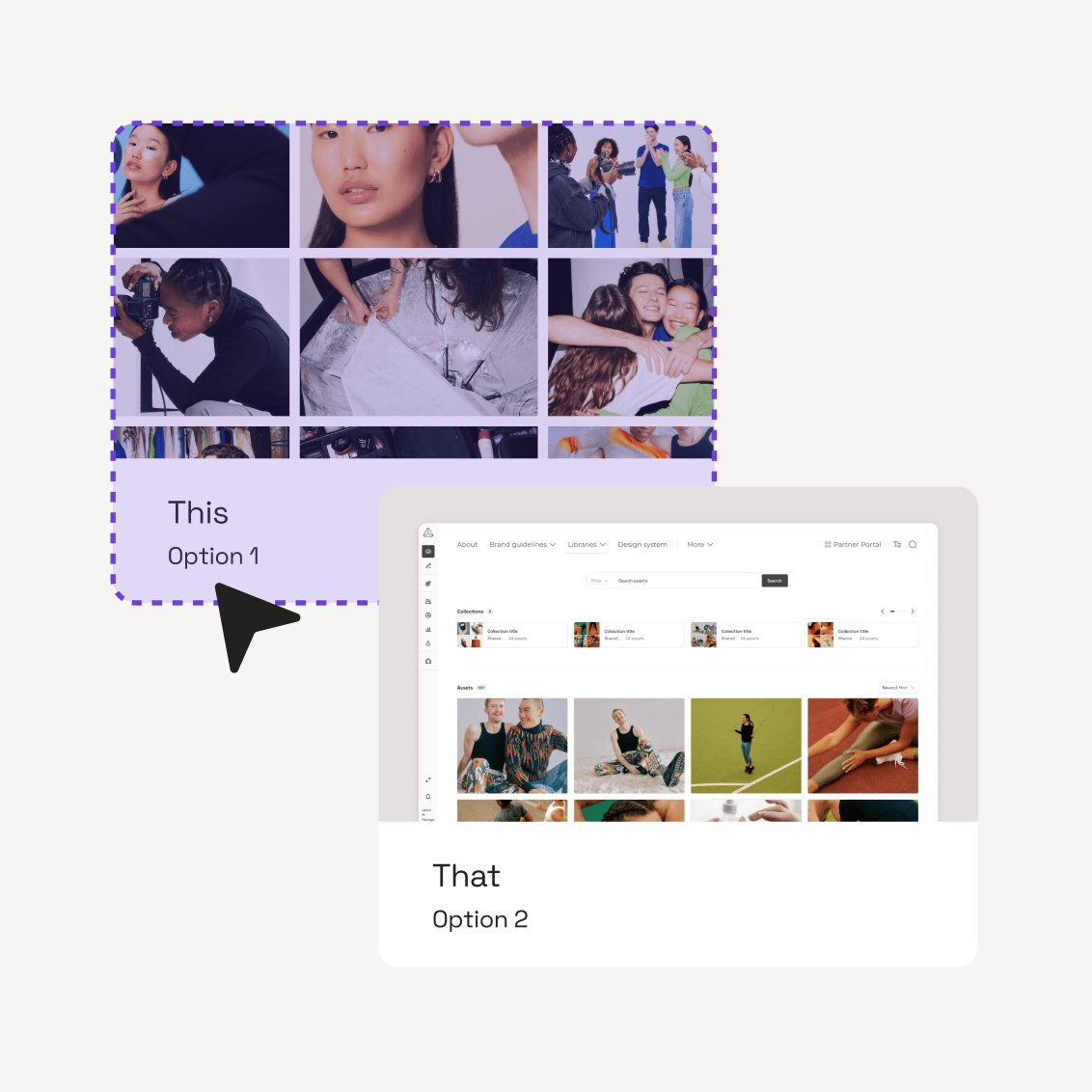
- AI metadata, taxonomy, and search: Frontify organises assets by metadata, not folders alone. Build a custom metadata model using text, number, single and multi-select, date, and URL fields, all indexed for search. Users filter with faceted search across tags, file type, orientation, custom fields, file extension, and external ID, and search the full content of assets including text inside files. AI auto-tagging applies metadata on upload, and natural language search lets anyone describe what they need in plain words. Search runs across libraries, so an exact asset surfaces from a library of tens of thousands without anyone remembering where it was filed.
- Interactive brand guidelines: 40+ customisable content blocks replace static PDFs with living, structured documentation. Colours, typography, tone, logos, and code standards stay current and accessible to every team, with analytics showing who engages with what. Because the guidelines are structured rather than locked in a PDF, they double as machine-readable brand context: the source Brand Assistant answers from and the brand intelligence the Frontify MCP feeds into AI tools and agents. Keeping guidelines current is no longer just good governance, it is what keeps AI-generated content on-brand.
- Templates and creative automation:Templates built in Figma, InDesign, Sketch, or Storyteq give non-designers guardrails to create on-brand materials independently. Lock and unlock controls are element-level, so admins decide exactly which text, images, colours, positions, and layers a user can change, rather than applying a single blanket lock. The Batch Creatives app generates assets in bulk from one template using a CSV or Google Sheet, covering high-volume runs like localised flyers and regional campaign sets. Motion templates produce animated assets as GIF, MP4, or HTML5, and the Brief app adds AI-assisted copy and video templating. External Data Sources feed structured content into templates for localisation at scale. Because the same brand context and approved assets are available through the Frontify MCP, AI-assisted creation in connected tools draws on your real brand rules and live assets, not generic defaults.
- Front-end brand portal: A separated admin back-end and user-facing portal means non-designers see a curated experience: guidelines and templates filtered by role, alongside approved assets. This separation drives adoption across teams that would otherwise ignore the platform.
- Creative API: Enables bulk, automated content generation across languages and markets in multiple output formats. Connects to external data sources for high-volume outputs like business cards, localised flyers, and regional campaign materials.
- Enterprise-grade delivery and scale: Frontify runs enterprise brand operations at volume on AWS infrastructure, with multiple availability zones and redundancy and a worldwide CDN that keeps delivery fast for distributed teams. The platform is certified to ISO 27001:2022, TISAX, and HIPAA, with SOC reporting available. Bosch runs 15,000+ monthly active users across subsidiaries and brands from a single instance, with 8 million+ asset downloads in 12 months.
How Frontify works
Frontify's architecture solves the problem most Bynder alternatives leave open: it unifies the four components of brand operations that other tools treat as separate products. Assets live in the DAM. Brand standards live in interactive guidelines. Non-designers create on-brand content through locked templates. Everyone accesses it through a brand portal designed for their role. One platform. One login.
- Upload and organise assets in dedicated libraries with a custom metadata model (text, number, select, multi-select, date, and URL fields), AI auto-tagging on upload, faceted and natural language search across libraries, content search inside files, rights management, and automated approval workflows.
- Build interactive guidelines using 40+ content blocks for colours, typography, tone, logos, and more. Publish them to specific teams or the entire organisation.
- Create locked templates in Sketch, InDesign, Figma, or Storyteq that non-designers can customise within guardrails. Route finished materials through approval workflows before publishing.
- Deploy a brand portal that curates each user's experience by role: a sales rep sees campaign assets and pitch templates, a regional marketer sees localised guidelines and imagery, and an agency partner sees only what you have granted access to.
- Ask Brand Assistant any brand question in natural language and receive a sourced, multilingual answer drawn from your own guidelines and DAM. Access it directly in Frontify, through the Microsoft Copilot integration, or via the Frontify MCP.
Brand Assistant deserves specific attention. Every DAM now offers AI-powered tagging and visual search. That's table stakes. Brand Assistant works differently: it's a conversational interface to your brand knowledge. When a team member in Tokyo needs to know whether a particular colour variant is approved for digital use, they ask and receive an answer sourced from your guidelines, in Japanese, with a link to the relevant section.
That capability only works because Frontify stores both the assets and the guidelines. The AI has full brand context, including tone specifications, visual standards, and usage rules. No other tool in this comparison offers a conversational AI layer tied to brand guidelines.
How much does Frontify cost?
Frontify uses usage based pricing based on monthly active users (MAU). You pay for users who actively engage with the platform each month, and Frontify applies six-month averaging to smooth out usage fluctuations for predictable billing. An MAU is anyone who logs into your Frontify space at least once per month, including external partners and agencies. Users who only view content without logging in are not counted.
There are no published pricing tiers. Pricing is customised based on your organisation's specific needs, use case, and team structure. This model means a 200-person organisation and a 15,000-user enterprise like Bosch pay relative to their actual platform engagement, not a flat licence that penalises smaller teams or rewards underuse.
FAQs
Best for compliance-heavy campaign planning and complex multi-stakeholder approval workflows
Aprimo
- Best For: Enterprise content operations with complex approval workflows and compliance requirements
- Pricing: Contact for custom quote
Aprimo is a content operations platform managing more than 4 petabytes of digital assets for enterprise organisations. The platform combines digital asset management with workflow automation, approval routing, and compliance tooling designed for organisations where content governance is a business-critical function. Rather than positioning itself as a pure DAM, Aprimo spans the full content lifecycle: planning, production, approval, distribution, and measurement.
Teams exploring Bynder alternatives typically land on Aprimo when they need deeper workflow automation and compliance capabilities than most DAMs provide, particularly in regulated industries like financial services, life sciences, manufacturing, and consumer goods.
Who should use Aprimo?
Aprimo fits enterprise marketing and content operations teams managing complex approval workflows across multiple stakeholders, regions, and compliance requirements. If your organisation operates in a regulated industry where every piece of content requires documented approval from legal, compliance, and brand teams before publication, Aprimo's workflow engine is built for that scenario. The platform handles the orchestration layer between content creation and distribution, routing assets through approval chains and maintaining audit trails that satisfy regulatory requirements.
Aprimo requires significant configuration, a dedicated administrator, and user training to operate effectively. If your primary need is to get a DAM live quickly so non-designers can find and share assets without friction, Aprimo's complexity will work against you. Teams moving from Bynder because implementation took too long or adoption stalled among non-technical users should weigh whether Aprimo's learning curve introduces the same friction they're trying to leave behind.
Pros and cons
Where Aprimo excels
- AI Agents framework: Five categories of AI agents automate content operations tasks: planning agents organise campaign timelines and content calendars, librarian agents manage metadata consistency and taxonomy, critic agents assess content quality against brand standards, compliance agents flag regulatory issues before publication, and production agents automate asset transformations and delivery.
- Workflow automation: Configurable approval routing and audit trails for multi-stakeholder collaboration, built for organisations where content approval chains are non-negotiable.
- Intelligent search and discovery: AI-based contextual search with recommendations to surface relevant assets based on usage patterns and metadata.
- Enterprise integrations: Connects to creative tools (Adobe Creative Cloud, Figma), marketing automation platforms (Marketo, Eloqua), CRM systems (Salesforce), and ERP systems (SAP).
- Global storage and CDN: Multi-region storage architecture including China, with URL transformations and automated renditions for delivery optimisation.
How Aprimo works
Aprimo operates as a content operations platform with DAM at its core. Teams upload assets to the DAM, where AI-powered metadata automation applies smart tagging, OCR for text extraction, speech-to-text for video, and video summarisation. Assets then move through configurable approval workflows that route content to stakeholders based on business rules, with collaboration boards enabling feedback and annotation.
Core capabilities by function:
- Asset management: Customisable metadata model, automated tagging (smart tagging, OCR, speech-to-text, video summary), AI search and recommendations, global storage with CDN, URL transformations and renditions
- Workflow and collaboration: Approval and review workflows, collaboration boards with annotations, templating, granular rights management and auditability
- Distribution: Brand portals and guidelines, integrations via API/SDK and pre-built connectors, content personalisation with real-time decisioning
- Operations: Productivity management tooling, content intelligence and analytics, spend management for campaign budgets
Aprimo integrates with enterprise systems through APIs and pre-built connectors, positioning itself as a central hub in the marketing technology stack rather than a standalone DAM.
Complexity defines Aprimo. Teams that need deep workflow automation and compliance capabilities will find the feature depth valuable. Teams that need fast implementation and intuitive adoption will find the learning curve and configuration overhead prohibitive. Aprimo requires dedicated administration and user training to deliver value. For teams leaving Bynder because of slow implementation or low adoption among non-technical users, it's worth asking whether Aprimo's configuration requirements solve that problem or repeat it.
FAQs
Best for buyers already invested in Acquia's digital experience platform
Acquia DAM (Widen)
- Best For: Enterprises with complex martech stacks requiring 200+ integrations
- Pricing: Custom pricing (contact sales for quote, annual billing)
Acquia DAM (Widen) is built around turning files into usable data by linking content to campaigns, personas, and channels. The platform serves enterprise organisations managing large asset volumes across distributed teams, with a particular strength in integration depth. Boston Consulting Group centralised 270,000+ digital assets and grew to 22,000 active users by 2025. Zurich Insurance reached 21,000 users across their global organisation.
The platform offers three tiers: Workgroup (up to 50 users, 1 TB storage), Enterprise, and DAM + PIM. The entry tier includes REST API, configurable metadata, AI-powered metadata and visual search, unlimited standard portals, analytics, custom branding, enterprise security, SSO, and archiving.
Who should use Acquia DAM (Widen)?
Acquia DAM fits enterprises with existing Acquia or Drupal environments where integration depth matters more than native brand governance tooling. The 200+ integrations and open API make it a strong choice when your martech stack requires the DAM to connect to multiple downstream systems.
The platform makes less sense when you need native interactive brand guidelines or locked templates. Acquia DAM handles asset management and distribution well, but brand governance depends on connecting external tools rather than working within a unified system.
Teams moving from Bynder specifically to solve the guidelines-and-templates gap will find Acquia DAM solves the same problem Bynder solves: asset storage and distribution, not brand operations.
Where Acquia DAM excels
- AI-powered capabilities: AI search finds assets using natural language queries. Duplicate detection identifies redundant files automatically. Automated metadata tagging reduces manual taxonomy work. AI-generated alt text and product descriptions speed up asset preparation for publishing.
- Branded portals: Share curated asset collections with internal teams and external partners through customisable portals. Dynamic filtering populates assets based on tags and release status.
- Insights and analytics: Track usage metrics including downloads, embeds, and views to build reporting narratives and demonstrate ROI across campaigns and channels.
- Integration network: Connect to 200+ platforms through pre-built integrations or custom connections via the open API. Acquia DAM serves as a central asset source for complex martech environments.
How Acquia DAM (Widen) works
Acquia DAM centralises digital assets in a structured library with configurable metadata fields, roles, and permissions. Administrators define taxonomy, upload assets, and apply metadata either manually or through AI-powered auto-tagging. Users search the library using filters, keywords, or AI-powered visual search that accepts natural language descriptions.
The platform distributes assets through branded portals. Admins create portals for specific audiences (internal teams, external partners, regional markets) and configure which assets appear based on tags, metadata, or release status. Dynamic filtering ensures portals update automatically as new assets meet the criteria. Users access portals without logging into the back-end DAM, reducing friction for non-administrators.
Core workflow capabilities:
- Configurable metadata fields and custom taxonomies
- AI-powered tagging, visual search, and duplicate detection
- Role-based permissions and access controls
- Unlimited standard portals with custom branding
- REST API for custom integrations
- Analytics dashboards tracking downloads, embeds, and views
- SSO and enterprise security protocols
- Archiving for long-term asset retention
How much does Acquia DAM cost?
Acquia DAM uses tiered pricing. The Workgroup tier starts at up to 50 users with 1 TB of storage and includes REST API, configurable metadata, AI-powered metadata and visual search, unlimited standard portals, analytics, custom branding, enterprise security, SSO, and archiving. Add-on users and storage are available.
The Enterprise tier offers custom configuration for larger organisations. Pricing varies based on user count, storage requirements, and feature needs.
The DAM + PIM tier combines digital asset management with product information management for organisations managing both asset libraries and product catalogues.
FAQs
Best for smaller organisations and archival-heavy teams centralising image libraries
Canto
- Best For: Mid-sized teams centralising image-heavy libraries with visual search
- Pricing: Custom pricing (contact sales for a quote)
Canto is a digital asset management platform built around search and discovery. Its AI Visual Search lets users find images and video using natural language descriptions rather than exact keyword matches. Cloud-based storage replaced legacy server-based media drives for many teams, improving efficiency across distributed workflows.
The platform offers four tiers: Core Essentials, Enhanced Collaboration, Omni Brand Solution, and Advanced. Core Essentials includes secure storage, intuitive search, and security protocols. Canto XI, the company's AI content hub, aims to unify brand and product content and accelerate the content lifecycle with AI. The Approval Hub provides proofing, versioning, and approval collaboration in one space.
Who should use Canto?
Canto fits mid-sized to enterprise organisations managing large photo libraries across distributed teams and partner networks. The platform works well for teams that prioritise visual search and need to surface specific images quickly from thousands of assets. Facial recognition helps locate specific people in large collections. Keywording and tagging infrastructure supports fast search, and cloud-based access means teams can share assets via generated links without managing server-based drives.
Teams moving from Bynder to Canto typically prioritise asset discovery and sharing over broader brand governance. Canto handles the asset library layer effectively, but it doesn't extend into interactive brand guidelines or locked templates. If your primary need is centralising and distributing visual content with strong search, Canto delivers. If you need guidelines, templates, and a brand portal alongside asset management, the platform's scope is narrower.
Where Canto excels
- AI Visual Search: Find images and video using natural language descriptions rather than exact keyword matches.
- AI Library Assistant: Automated sorting and AI metadata suggestions to structure libraries without manual tagging.
- Approval Hub: Proofing, versioning, and approval collaboration in one space for review workflows.
- Facial recognition: Track down specific people in large photo collections automatically.
- Link-based sharing: Generate shareable links to selected assets for internal and external distribution.
How Canto works
Canto operates as a centralised library where teams upload, tag, and organise digital assets. The AI Visual Search layer lets users describe what they're looking for in plain language ("outdoor product shot with blue sky" returns relevant images without requiring exact keyword matches). The AI Library Assistant suggests metadata and automates sorting, reducing the manual taxonomy work that typically slows down library setup.
Core workflow:
Secure cloud storage with role-based access controls forms the foundation. Teams upload assets, apply tags (manually or via AI suggestions), and share collections via generated links. Keywording and tagging infrastructure organises large asset volumes. Facial recognition locates specific people across photo collections. The Approval Hub handles version control and collaborative review.
The platform's strength is asset discovery and distribution. The search layer handles large libraries well, with users reporting fast results across thousands of photos.
Canto XI positions the platform as a unified brand and product content system. However, Canto doesn't include native interactive brand guidelines or locked templates. Brand governance depends on asset organisation alone, which limits its scope compared to platforms that combine those capabilities natively.
How much does Canto cost?
Canto does not publish pricing publicly. The platform operates on custom pricing via sales contact. Four tiers are listed: Core Essentials, Enhanced Collaboration, Omni Brand Solution, and Advanced.
Users report that new features and improvements feel paywalled for existing customers, with capabilities introduced via webinars often requiring additional cost. Clarify upgrade paths and feature availability during the sales process to avoid unexpected costs as the platform evolves.
FAQs
Best for video-heavy libraries and specialised digital rights workflows
MediaValet
- Best For: Organisations prioritising fast, branded distribution without file-size constraints
- Pricing: Custom pricing (contact sales for a quote)
MediaValet is a DAM platform built to centralise content libraries and get assets to the right people quickly. The platform's core strength is distribution infrastructure: Experience Portals with CDN-linked sharing enable fast, branded asset delivery across devices without the file-size limits that constrain traditional sharing methods. TIFF removed 500,000 duplicated assets during migration, reducing its library by 25%. MediaValet says 95% of customers see ROI within a year, though that figure is self-reported.
The platform includes AI-powered tagging to automate metadata and improve discoverability, advanced search using custom metadata and filters, and unlimited users with personalised onboarding.
Who should use MediaValet?
MediaValet fits organisations where asset distribution speed and portal-based sharing are the primary operational challenges. Teams managing large libraries that need to serve global audiences, external partners, or regional offices will benefit from the CDN-linked sharing and Experience Portals. The unlimited user model removes licensing friction for organisations with broad stakeholder groups who need asset access but not full DAM administration.
The platform suits teams comfortable with a distribution-first approach to brand management. If your brand operations depend on getting approved assets into the hands of distributed teams quickly, and you're managing governance through asset organisation and portal curation rather than interactive guidelines or locked templates, MediaValet handles that use case well. Teams moving from shared drives or basic file-sharing tools will see immediate workflow gains.
Pros and cons
Where MediaValet excels
- Experience Portals: Create custom portals to curate content and share collections via URLs without file-size constraints, with CDN-linked delivery for fast load times across devices.
- Unlimited users and permission groups: Licensing model removes user-count friction, with unlimited categories and product support included.
- Advanced search: Filter assets using custom metadata, categories, and filters, with bulk metadata update capabilities to maintain library structure at scale.
- AI-powered tagging: Automates tagging to improve discoverability and reduce manual metadata work across large asset libraries.
- Secure sharing controls: Set passwords, expiration dates, and access permissions for external asset sharing, with the ability to download assets as zipped folders.
How MediaValet works
MediaValet operates as a centralised asset library with distribution infrastructure built for speed and scale. Upload assets to the platform, apply metadata through a combination of manual input and AI-powered tagging, then organise content into categories and collections. The advanced search layer lets users filter by custom metadata, asset type, orientation, and other attributes.
Core workflow
The centralised library supports unlimited categories and permission groups. AI-powered tagging on upload automates metadata application. Advanced search with custom metadata, filters, and preview-before-download helps users find assets fast.
Experience Portals are where the platform differentiates. Admins create custom portals to curate content for specific audiences, internal teams, or external partners. Each portal gets a unique URL and can be branded to match organisational or campaign identity.
CDN integration means assets load quickly regardless of user location or device. The platform claims no file-size constraints on shared content, removing a common bottleneck in traditional file-sharing workflows. Bulk metadata updates maintain structure as the library grows. Secure sharing with password protection and expiration dates controls external access.
The template system provides a library of pre-built templates and photos to help teams create marketing materials quickly. Users report the quick-to-edit features save time, though the locked template elements limit customisation. Content can get lost, and users cannot move elements within templates, which constrains flexibility for teams that need more design control.
How much does MediaValet cost?
MediaValet uses custom pricing based on organisational requirements. No public pricing tiers are available. The platform includes unlimited users and permission groups, unlimited categories, unlimited product support, and personalised onboarding in all implementations.
The unlimited user model removes per-seat licensing friction, which benefits organisations with broad stakeholder groups needing asset access.
FAQs
Why Frontify is the best Bynder alternative
Most Bynder alternatives follow the same pattern: strong asset management, limited brand governance. Brandfolder organises files well. Acquia DAM integrates with everything across a complex martech stack. Canto finds images fast. MediaValet gets assets to global audiences without file-size constraints. Each solves a piece of the puzzle. None connect asset storage to the guidelines, templates, and portals that make brand consistency operational.
Frontify does.
It's the only platform in this comparison that natively combines DAM, interactive brand guidelines, templates, and a front-end brand portal designed for the people who actually need to use the brand: regional marketers, sales teams, partners. Spring Health published 175+ templates since launch and saves 16+ hours on each one created. Caribou Coffee's brand team reclaimed 5 to 10 hours every week because cross-functional teams self-serve instead of filing requests.
Adoption at scale. Not shelfware.
And then there's the AI question. Every platform in this guide offers AI-powered tagging. It's table stakes. Frontify's AI capabilities go further. Brand Assistant answers brand questions in natural language, drawing directly from your organisation's own guidelines and DAM, with responses that link back to the exact section where the answer lives.
Multilingual translation is built in. AI-powered metadata tagging automates asset classification on upload, and Frontify Automations let you choose your preferred AI model to generate metadata at scale. The Creative API powers bulk content generation across languages, markets, and formats. Brand Assistant is already accessible through the Microsoft Copilot integration, so teams can access brand intelligence inside the tools they already use. An MCP server is on the way, connecting your brand intelligence to even more workflows.
Brand operations are heading towards AI that reads your guidelines, surfaces the right assets, and answers questions about tone, usage, and approval in natural language, inside the tools your teams already work in. Frontify is already there.