
Your marketing team needs a last-minute design for a campaign going live at the end of the week. They submit a request to your designers, but get told it’ll take a few days to turn it around.
It looks like the creative team is a bottleneck, but they don’t have to be.
Most companies focus on reorganizing their asset libraries or shared drives to help people find the files they need. But that doesn’t solve the problem when the design queue is full and everyone is waiting several days for the assets they need. The real challenge in creative asset management isn’t where files are stored — it’s the gap between what designers create and what the rest of the organization can do with it. If you can close that gap and free up your designers, you empower everyone to manage their own creative assets independently.
What is creative asset management?
Creative asset management is the system and practice for organizing, governing, and distributing the creative work an organization produces, and the guidelines that define how all of it should be used. The goal isn't just to store that work, but to make sure the people who need it can actually put it to use.
You'll often see the term used interchangeably with digital asset management (DAM). Creative asset management tends to describe the creative-team-facing side of the picture — managing work in progress, finished assets, and the systems designers build around them. DAM typically describes the broader system of record for finalized assets across the organization. Modern platforms cover both, and this article uses creative asset management to mean the full picture of managing creative work and enabling its use across every team that needs it..
What most definitions leave out is where the real difficulty lies. Organizing and finding assets is a largely solved problem. The harder, costlier challenge is the gap between the team that creates assets and the teams that need to use, adapt, and localize them. That gap is what the rest of this article is about.
The real bottleneck isn't storage, it's the handoff
Most creative asset management tools — and articles about them — treat the core problem as storage and findability. Get your files organized, make them searchable, and let the creative team work more efficiently.
But the real constraint in most organizations is the handoff between the creative team and everyone else. Designers create the assets. Marketing, sales, HR, and local teams need to use and adapt them — constantly, at volume, across campaigns, channels, and markets. Between those two groups sits an often-manual process of design briefings and requests, revisions, approvals, and waiting.
Storage-focused thinking doesn't improve this process. A perfectly organized asset library still requires a designer to produce every new poster, resize every social variant, and localize every flyer, because the people who need that work have no way to produce it themselves. Better findability helps a designer locate a file in 30 seconds instead of three minutes, but does nothing for the marketing manager who still has to submit a request and wait two days for it to come back.
Why the designer-to-everyone-else gap slows brands down
The real creative asset management problem is the gap between what designers create and what everyone else can do with it. The handoff between designers and other teams in the business creates friction on both sides. Here's how it plays out across the organization.
Creative teams become a request queue
Ask any creative director where their team's hours actually go, and the answer is rarely the work they were hired for. It's the steady stream of requests — resize this image, swap the date on this poster, localize that flyer for the German market — that fills their days. The creative team becomes a production line with a neverending queue.
Talented designers hired for craft and creative strategy spend their days on work that is repetitive, and should be easy for anyone else to do. Over time, designers burn out, quality drops, and the high-value creative work the organization actually needs keeps getting pushed back to keep up with the constant requests for other departments.
Non-designers go off-brand or off-platform
When people can't get what they need fast enough, they start improvising. They dig up an old file and edit it themselves, or find something close enough and make it work. As a result, off-brand content reaches the market and inconsistencies accumulate across regions and channels.
Each workaround introduces a small risk of brand drift, and at scale, they add up to a significant one. Brand equity is built on consistency, and these inconsistencies eat away at it, because your creative system and processes make it difficult for people to stay on-brand without dedicated design support.
High-volume, repeatable content clogs the pipeline
Not everything that flows through the creative queue is complex work. Much of it is high-volume and repeatable, such as localized signage, event flyers, social images, or sales one-pagers. These follow predictable patterns, use approved assets, and don't require a designer's judgment to execute. Yet the requests go to the creative team anyway.
Repeatable content is the biggest drain on creative capacity and the work least in need of creative expertise. It’s work that non-designers should be able to produce, if they’re empowered to do so — structured enough to templatize, and relatively low risk if teams can follow guidelines and templates.
What creative asset management looks like when it enables everyone
If you want to move past this bottleneck, you need a creative asset management approach that helps non-designers produce on-brand work independently, freeing the creative team for higher-value and more strategic work that needs their specific skills. Let’s take a closer look at the different components that make this level of self-service possible.
Locked templates for non-designers
Locked, editable templates enable non-designers to create on-brand work without dedicated design support. Designers build the master layouts with brand-critical elements fixed, such as logos, colors, typography, spacing. Other parts of the designs are left open for editing. A non-designer can change those elements (like dates, product images, or headlines) and produce a finished, on-brand asset without touching a design tool.
Templates can deliver huge time savings for designers. Instead of producing every poster or social media asset, they design a template once and then colleagues can produce hundreds of on-brand variants independently.
Self-service brand portals by audience
While templates solve the creation problem, portals solve the access problem, meaning your marketing and brand team stop fielding dozens of emails or Slack messages requesting different brand assets.
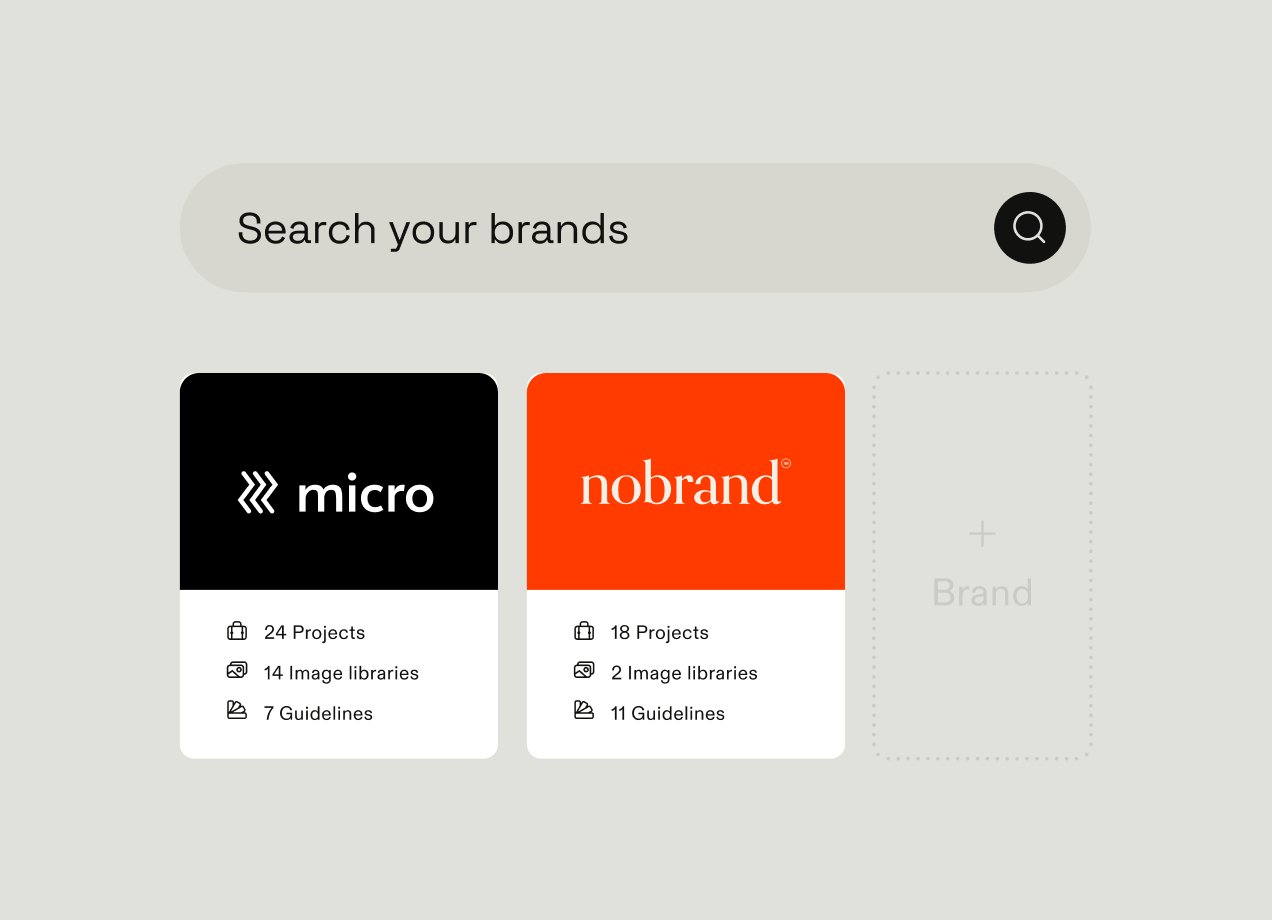
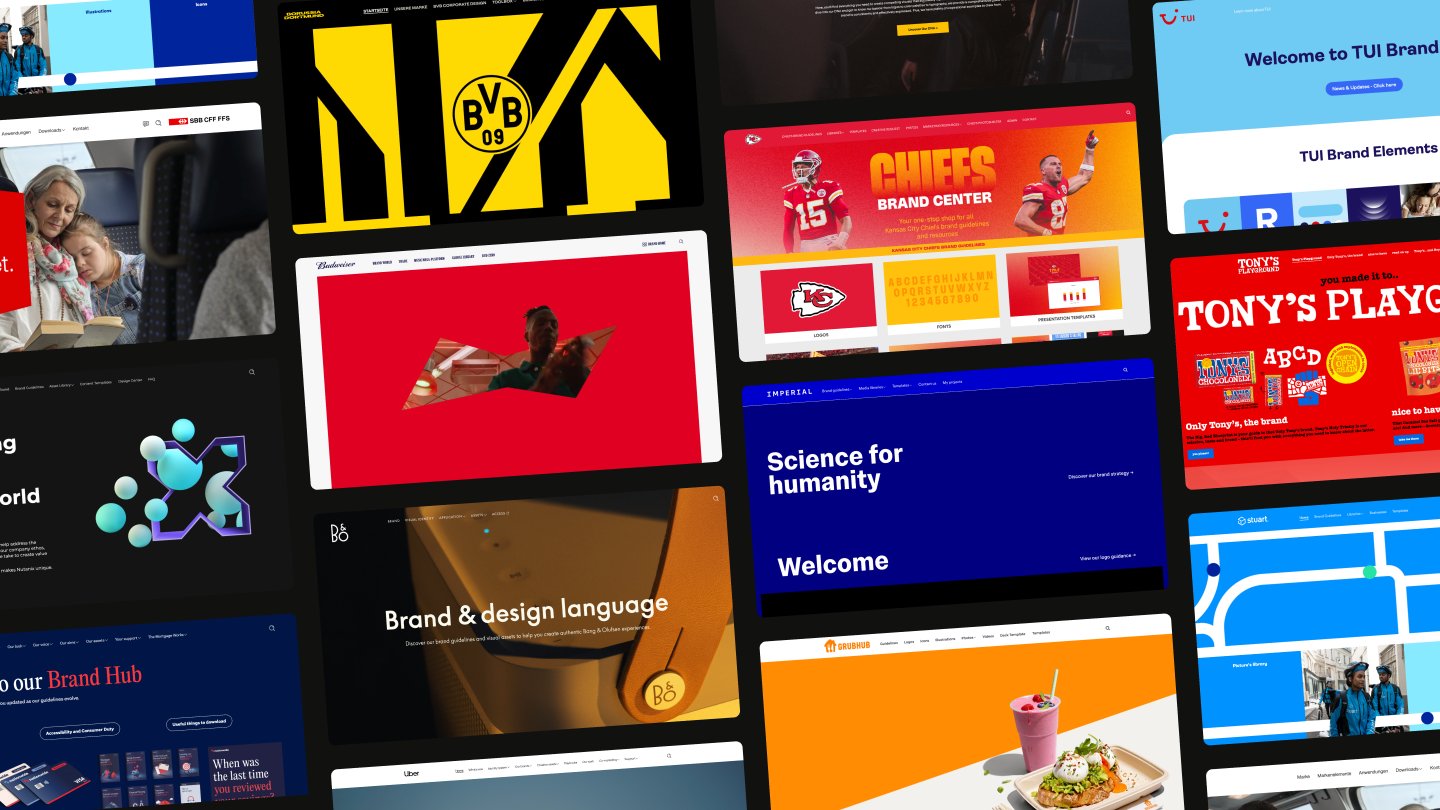
A self-service brand portal gives a specific audience — like marketing, sales, HR, or regional teams — a dedicated entry point to the templates and assets relevant to them, separate from the administrative back-end that designers and brand managers work in. Portals tailored to different audiences make it easy for people to find what they need without scrolling through hundreds of files that aren’t relevant to them.
Guidelines that travel with the assets
Most organizations have brand guidelines that live in a PDF that nobody opens when they're actually creating something. The rules exist but they aren't present when they're most needed, which is during asset creation.
Modern DAM and creative asset management platforms connect online brand guidelines with other parts of the platform, like templates and assets. When guidelines are embedded in the same platform — not linked from a separate document, but built into the system people are already working in — guideline use changes. The template already reflects the guidelines, so following them isn't a separate step that requires discipline or awareness. It's just what happens when someone uses the template. Brand compliance stops being something your marketing team has to enforce after the fact and becomes something the system enables by default.
Governance that keeps self-service on-brand
Enabling non-designers to create independently only works if leadership is confident the brand is safe while they do it. That confidence comes from effective governance:
- User permissions that control who can access and edit what
- Approval workflows that route assets requiring review to the appropriate people
- Locked template elements that make it impossible to change the brand-critical parts.
Governance should let people create freely, but within boundaries they can't accidentally cross. It’s not a constraint on self-service creativity — it’s the foundation for it. Without the right controls in place, handing content creation to non-designers is a brand risk. With them, it's a scalable system that empowers everyone in the business.
Why storage-only tools can't close the gap
A tool that stores and organizes assets well solves a real problem. It makes files easier to find, reduces duplication, and gives the creative team a cleaner system to work from. What it can't do is enable a non-designer to produce on-brand work — because that requires something storage alone doesn't provide.
Safe self-service creation needs three things present at once:
- Approved assets to build from
- Guidelines that define what on-brand means
- Creative templates that a non-designer can use independently, without drifting off-brand
When those three things live in separate systems, producing on-brand work independently is a multi-step process — opening the DAM for assets, checking the PDF for guidelines, then switching to a separate template tool to create. But the switches between disconnected systems are precisely where self-service breaks down. Real enablement requires the pieces to be designed together, not connected after the fact.
What to look for in creative asset management built for enablement
Most creative asset management platforms look broadly similar on a feature checklist. The differences that matter only become visible when you ask not what the system does for designers, but what it lets everyone else do independently. When choosing a creative asset management tool, focus less on storage features and more on whether the system is architecturally built to enable self-service production across the organization.
Templating that non-designers can actually use. Look at how much control the template designer has over the templates they can create, and what the experience looks like from the non-designer side. Can the designer lock color palettes, set character limits on text, restrict font choices, or limit other areas of the design? In a product demo, ask to see the process of creating a template, and also using the template to create an asset. Consider bringing a non-designer into that part of the demo to get their perspective on using the template.
Assets, guidelines, and templates in one system. The question to ask here is whether these different tools are fully integrated or bolted on. When a non-designer uses a template, does it automatically draw from the approved asset library in the same platform? When brand guidelines are updated, do templates reflect that change, or does someone need to manually update them across separate tools? Stitched-together systems can look unified in a slide deck but feel fragmented in daily use. So ask specifically how data flows between the DAM, the guidelines, and the template tool.
Portals that are built for the end user, not the admin. Can a regional sales team see only the templates and assets relevant to their market, without navigating content meant for other regions or teams? Can an external partner access what they need without getting a login to the full system? Ask the vendor to show you a portal from an end-user's perspective — specifically someone outside the creative team — and pay attention to how many clicks it takes them to find and use what they need.
Governance that's specific enough to be useful. Permissions and approval workflows are standard features, but their depth and customization options vary considerably. Look for a tool that lets you set different access levels for individual assets, not just whole libraries. Ask vendors whether you can build approval workflows that route to specific people based on asset type or region, rather than a single blanket process. For template governance specifically, ask whether locked elements are truly locked — meaning a non-designer can't override them even if they try — or whether they're more like suggestions that a determined user could work around.
Ease of use for people who aren't designers. This one is worth testing rather than taking a vendor's word for. G2 and similar review platforms let you filter reviews by role — look specifically at what non-designers and marketers say about the experience, not just the creative team. In your own evaluation, have someone from sales or a regional team run through a creation workflow without guidance and see where they get stuck. A system the creative team loves but everyone else avoids will see low levels of adoption and not do much to improve your creative asset management challenges.
As a general recommendation, evaluate creative asset management tools by whether they turn the creative team into a brand enabler and let the rest of the organization self-serve, not by storage capacity or feature count.
How Frontify enables creative asset management at scale
Frontify’s platform brings DAM, brand guidelines, templates, portals, and governance together in one unified system — not as integrated products from separate acquisitions, but as a platform designed from the ground up to enable the whole organization, not just the creative team. It’s built to close the gap between what designers create and what everyone else needs to do with it.
Companies use Frontify to enable their teams to create and manage digital assets at scale. Like Leonardo Hotels — colleagues across the group’s multiple brands and locations use Frontify to create the materials they need, like signage, menus, posters, and flyers, directly from templates, without needing support from a designer. One brand and PR manager shifted from spending 70% of her time creating design briefs or distributing approved content, to using that time to focus on higher-value projects.
Learn more about how Frontify can help your organization overcome its creative asset management challenges. Book a demo today.